NOTE – The following information is provided for the use of C-Bus EcoXperts, not our retail customers.

We noticed that some of our wall mounted iPads running NAC/SHAC/AC displays stopped responding, exactly one week after they were started to be precise! What was happening? We tracked it down to a change with iPadOS. Apparently, since Safari 13.1 and iOS/iPadOS 13.4, app data is deleted after 7 days, and we suspect that is the cause of the problem. We posted a solution to the C-Bus forums, but have a simpler one here.
You can quit and restart the browser page, but a refresh is all that is needed, and that’s what is done here. Paste the following code into your “Edit custom javascript” file (if you’re not sure how to do that, contact us and we’ll happily walk you through the process). You can change the 3 to be whatever time of day would suit your application best.
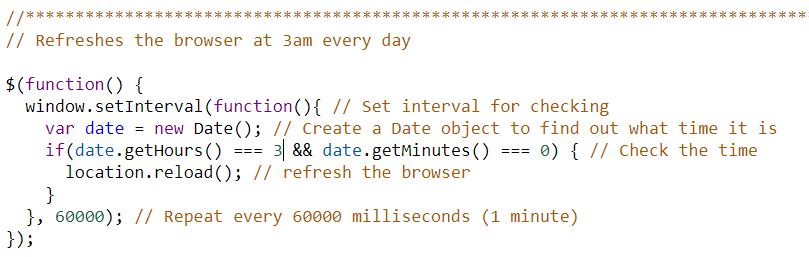
Above is an image that shows the formatting well, but to make it easier to paste the text it is here (highlight and select with your usual keyboard commands).
//***************************************************************************
// Refreshes the browser at 3am every day

$(function() {
  window.setInterval(function(){ // Set interval for checking
    var date = new Date(); // Create a Date object to find out what time it is
    if(date.getHours() === 3 && date.getMinutes() === 0) { // Check the time
		  location.reload(); // refresh the browser
    }
  }, 60000); // Repeat every 60000 milliseconds (1 minute)
});
It should format as per the colour image above once you’ve pasted the text. We hope that works for you!